
Workspace review
ScreenLinear Monitor Light Bar Review: Worth It or Just Another Gimmick?
Clean up your desk and save your eyes. This light bar provides perfect workspace illumination without the glare.
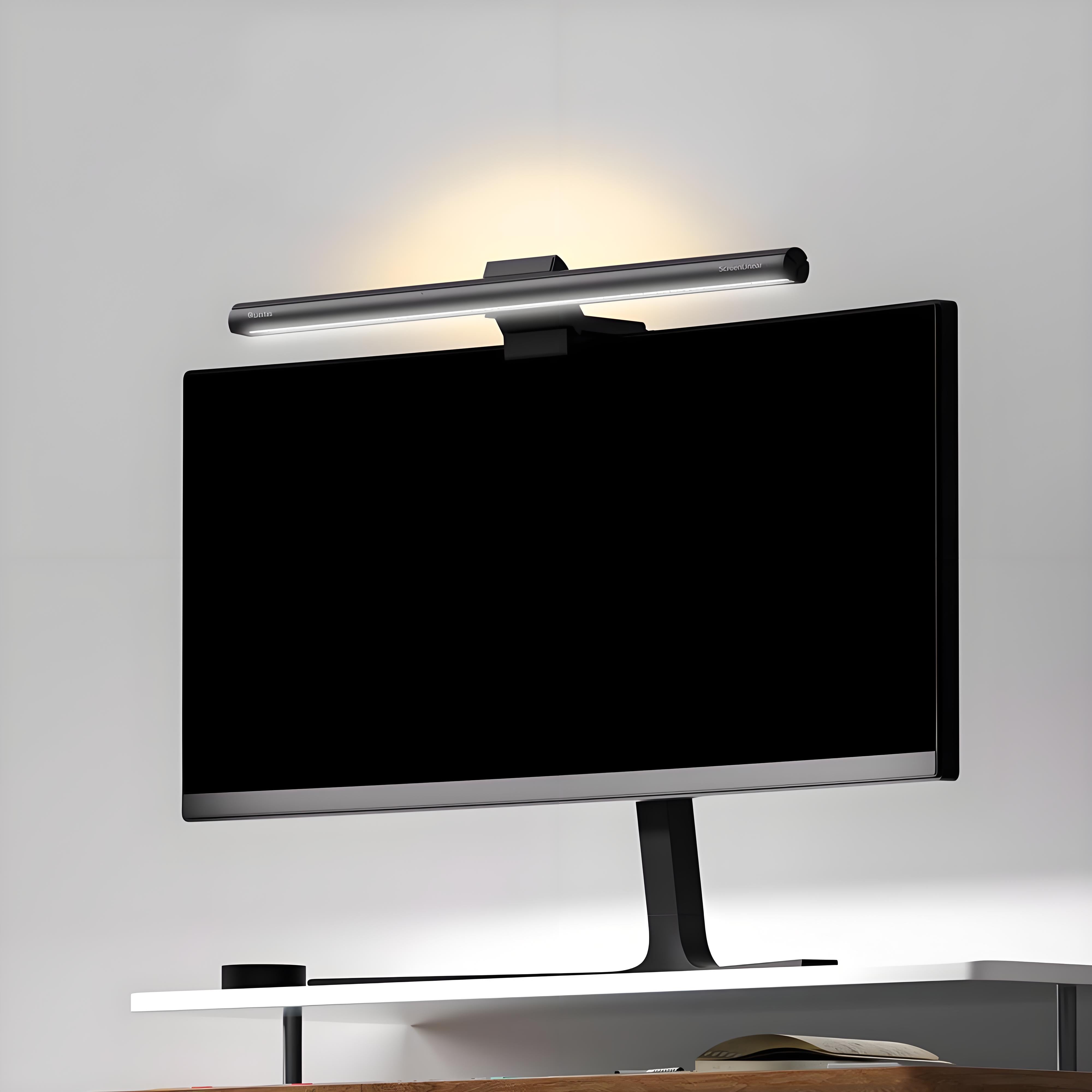
Best for
- Late-night workers and gamers
- People with small desks and no room for lamps
- Those prone to eye strain
Not for
- Users with extremely thick or thin bezel-less monitors
- People who prefer warm, ambient room lighting
Watch out
- None identified
Source-backed takeaways
- Asymmetric optical design prevents screen reflection
- Adjustable color temperature (3000K-6500K)
- USB powered
Pros
- Saves desk space
- Eliminates screen glare
- Auto-dimming sensor works well
Cons
- Controls on top of the bar can be awkward to reach
- Doesn't fit all ultra-wide curved monitors perfectly
Bottom line
A must-have for late-night desk work. It illuminates your workspace without any screen glare or taking up desk real estate.
Affiliate disclosure: Amazon links may earn us a commission. Reviews should remain useful without clicking.
Sources
- Quntis Monitor Light Bars Official product collection page.
- Quntis Monitor Light Bar at Amazon Verified retailer source
Gadget or Gimmick
Browse the latest reviews and archive modules.
Last updated: 2026-05-16
How we review: This is a source-backed product review. We analyze official specifications, independent testing, and verified retailer feedback to bring you honest, concise recommendations. No hands-on testing claimed.